How to Get the Perfect Smart Ring Sizing for Accuracy
How to Get the Perfect Smart Ring Sizing for Accuracy Read Post »
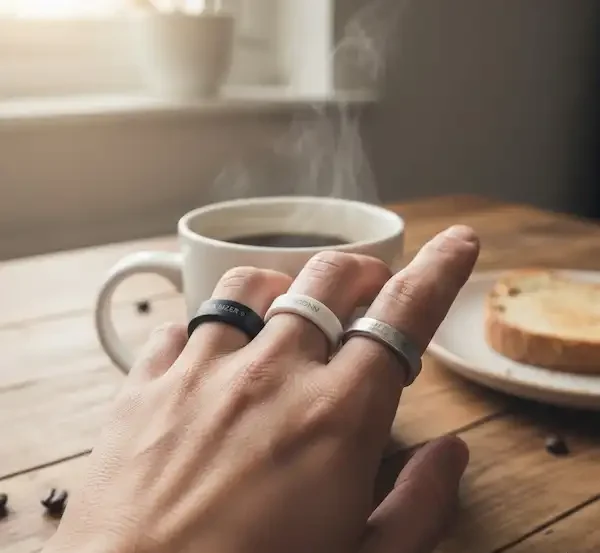
So, you’ve finally got that tiny piece of tech in your hands—now what? The initial smart ring setup can feel a bit more daunting than setting up a smartwatch because there’s no screen to guide you. It all starts with the fit. Unlike a watch you can tighten, a ring has to be spot-on from day one. If you haven’t picked your size yet, we highly recommend spending at least 24 hours with a sizing kit. Your fingers swell when you sleep and shrink when you’re cold, so getting that “perfect fit” is the first real step in your setup journey.
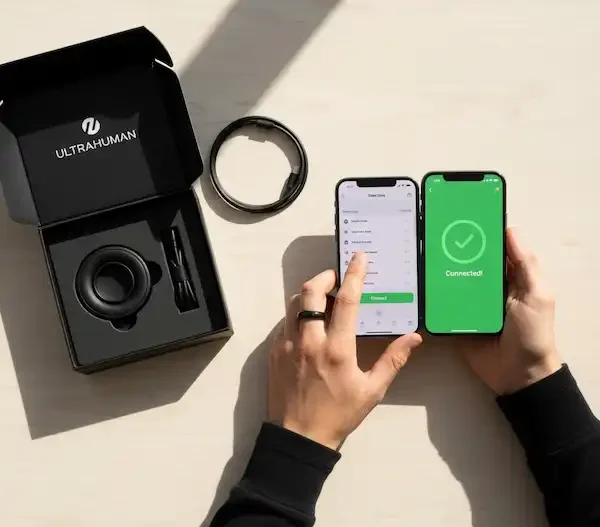
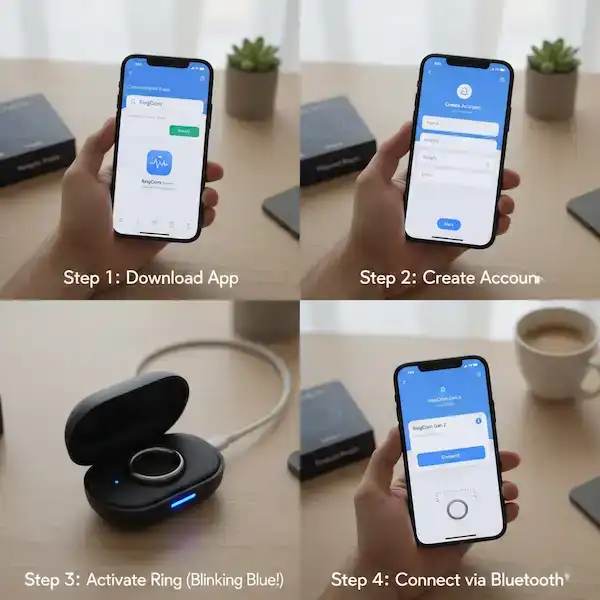
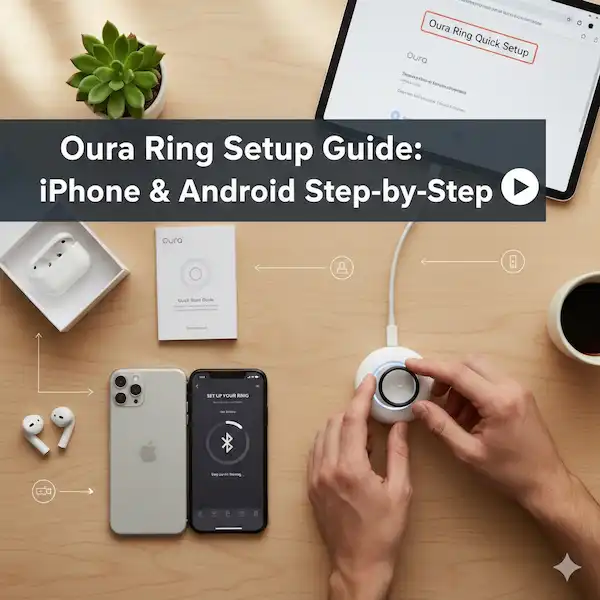
Once the physical ring is on your finger, the digital smart ring setup begins. This is where most people hit their first speed bump. You’ll need to dance between your phone’s Bluetooth settings and the ring’s dedicated app. We’ve walked through this process dozens of times across different brands, and we’ve documented every quirk. Whether you’re trying to get an Oura to talk to an iPhone or a generic ring to sync with a budget Android, we’ve got the play-by-play.
The final piece of the puzzle is calibration. A smart ring isn’t “smart” the second you put it on; it needs to learn your baseline. For the first week, your data might look a little wonky. Don’t panic! We explain how the calibration period works and what you should—and shouldn’t—be doing during those first few nights of sleep tracking. This category is your home base for making sure everything is configured correctly so you don’t have to mess with it again. We’re here to make sure your first 48 hours with your new wearable are as seamless as possible.