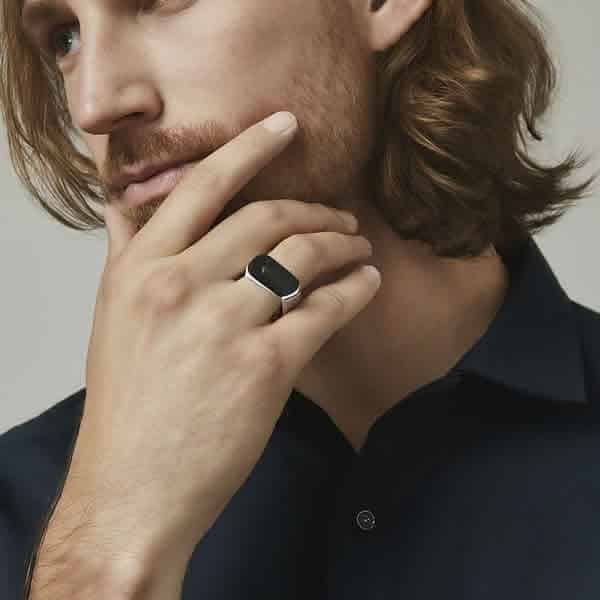
The Ultimate Guide to Your Smart Ring Health Monitor
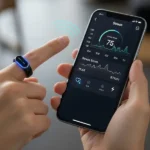
I still remember the day I ditched my bulky GPS watch for a tiny titanium band. I was skeptical. How could something the size of a wedding ring actually tell me if I was recovered enough for a morning run? But after three years of wearing various models—and making every mistake in the book—I’ve realized that a Smart Ring Health Monitor isn’t just a gadget; it’s a subtle whisper about your body’s internal state.
If you’ve just unboxed yours, or you’re wondering why your sleep data looks like a heart rate monitor at a horror movie, you’re in the right place. We’re going to walk through everything from the initial “handshake” with your phone to the weird industry secrets that manufacturers don’t always put in the glossy manual.
First Things First: The Perfect Fit (It’s Not What You Think)
When you first get your Smart Ring Health Monitor, the temptation is to slide it onto your ring finger. It feels natural, right? But here is a bit of “insider” knowledge: your index finger is actually the MVP for data accuracy.
Why? Because the arteries in your index finger are generally closer to the surface and more consistent. Most high-end sensors are calibrated for that specific spot. I personally wear mine on my non-dominant index finger. This keeps it away from my mouse-clicking hand and reduces the number of times I accidentally clink it against my coffee mug. Your Smart Ring Health Monitor will thank you for the better signal quality.
Pro Tip: Your fingers swell. If you measure your finger at 10:00 AM after a salty breakfast, you’ll be a different size than at 3:00 AM. I always suggest wearing the sizing kit for a full 24 hours. If it doesn’t feel a little snug when you wake up, it’s too loose. If it leaves a deep purple indentation by noon, it’s too tight. A properly fitted Smart Ring Health Monitor is essential for those deep-sleep metrics we all crave.
Setting Up on Android vs. iPhone
Whether you’re team Apple Health or Google Fit, the setup is generally the same, but the “handshake” can be finicky.
For the iPhone Crowd:
- Charge it to 100% first. Seriously. Most rings ship in a “deep sleep” mode to save battery. Plunking it in the charger for an hour wakes up the Bluetooth radio. Your Smart Ring Health Monitor needs that initial boost to pair correctly.
- Permissions are everything. When the app asks for Bluetooth, Background App Refresh, and HealthKit access, say yes. If you deny HealthKit, your ring becomes an island. You want that data flowing into your iPhone’s Health app so your other apps can see it. A Smart Ring Health Monitor is only as good as the ecosystem it talks to.
- Firmware Updates. These usually take 5–10 minutes. Keep your phone literally touching the ring during this process. I once bricked a test unit because I walked into the kitchen for a snack mid-update.
For the Android Enthusiasts:
- Battery Optimization is the Enemy. Android loves to “kill” apps running in the background to save juice. You need to go into your settings and tell your phone not to optimize your ring’s app. If you don’t, you’ll wake up to find your Smart Ring Health Monitor didn’t sync any sleep data because the app was “asleep” too.
- The JCRing or Companion App. Most “white label” rings use apps like JCRing or QR-code-based software. If the app feels a bit clunky, don’t worry—the raw data coming from the sensors of your Smart Ring Health Monitor is usually quite solid; it’s the interface that often lags behind.
Charging and Battery Life: The 20% Rule
The industry standard for a Smart Ring Health Monitor is about 5 to 7 days. But here’s the reality: if you have “Live Heart Rate” or “SPO2” (blood oxygen) monitoring turned on for every minute of the day, that battery is going to tank in 48 hours. I’ve noticed that keeping the Smart Ring Health Monitor on a consistent schedule helps prevent those annoying “battery low” alerts during a workout.
I’ve found the sweet spot is charging the ring while I’m in the shower. Since the charging cases are rarely waterproof (unlike the rings themselves), keeping the case on my bathroom vanity reminds me to top it off.
Insider Secret: Never let your ring hit 0%. Lithium-ion batteries in these tiny form factors hate being fully depleted. If it dies and stays dead for a week, the battery might never hold a full charge again. I try to pop my Smart Ring Health Monitor on the dock whenever it hits 20%.
Decoding the Data: What is it Actually Telling You?
The most common question I get is, “Why is my heart rate different on my ring than on my watch?”
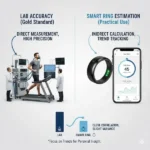
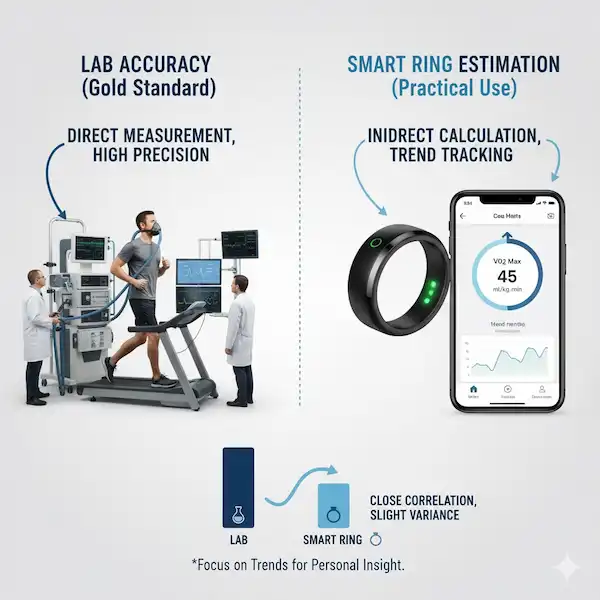
The answer lies in the tech. Your Smart Ring Health Monitor uses PPG (photoplethysmography) sensors. These are those little green or red lights on the inside. A watch measures through the thick skin and bone of your wrist. A ring measures through the thin skin of your finger. In many ways, the Smart Ring Health Monitor is actually more accurate for resting metrics, but less accurate for high-intensity gym sessions where your hands are moving a lot.
Sleep Tracking: The Ring’s Superpower
This is where the Smart Ring Health Monitor shines. Because it’s so light, you don’t notice it while you sleep.
- Deep Sleep: This is your physical repair time. If this is low, you’ll feel “heavy” the next day. Your Smart Ring Health Monitor picks up the subtle shifts in movement to determine this.
- REM Sleep: This is your mental filing cabinet. If you’re stressed or had a glass of wine before bed, your REM will usually plummet.
- Skin Temperature: This is a hidden gem. Most rings don’t give you a thermometer reading like “98.6.” Instead, they show a “trend.” If your temp is +1.5 degrees above your baseline, your Smart Ring Health Monitor is telling you that you’re likely getting sick before you even feel a sniffle.
Living with the Ring: Scratches and Soap
Let’s talk about the “look.” Whether you have a gold, silver, or “stealth” black Smart Ring Health Monitor, it will get scratched. It’s a tool, not just jewelry. I’ve worn my Smart Ring Health Monitor through home renovations and mountain bike trips; it carries the scars of a life well-lived.
I’ve found that the most damage happens at the gym. If you’re lifting barbells or using dumbbells, the metal-on-metal friction is a nightmare. I’ve started wearing a silicone “protector” over my Smart Ring Health Monitor during heavy lifts, or I just move it to my pinky finger where it’s out of the way.
Pro Tip on Hygiene: Soap gets trapped under the ring. If you don’t dry your finger thoroughly after washing your hands, you’ll end up with “ring rash”—a red, itchy patch of skin. Every time I wash my hands, I slide my Smart Ring Health Monitor up, dry the skin, and slide it back down.
Troubleshooting Like a Pro
If your Smart Ring Health Monitor stops syncing, don’t panic. It’s usually a Bluetooth “handshake” error.
- Toggle Bluetooth: Turn it off for 10 seconds and back on.
- The Charger Reset: Most rings “reset” when they are placed on the charger. If the app can’t find your Smart Ring Health Monitor, dock it.
- The “Find My Ring” Feature: If your app has this, use it! It usually makes the LED on the inside of the Smart Ring Health Monitor flash. It’s saved me from tearing apart my couch cushions more than once.
Why This Matters for Your Health
We live in a world of “data overload.” The beauty of a Smart Ring Health Monitor is that it distills everything into a simple score—usually something like a “Readiness Score” or “Energy Score.”
I remember a Tuesday last month when my Smart Ring Health Monitor gave me a “42” readiness score. I felt fine, but I decided to listen and skipped my 5-mile run. By that evening, I had a full-blown fever. The Smart Ring Health Monitor saw my elevated resting heart rate and body temperature hours before I did. That is the true value of this technology. It’s an early warning system built into your Smart Ring Health Monitor.
Advanced Features: SpO2 and Stress
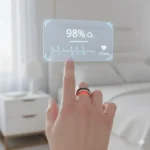
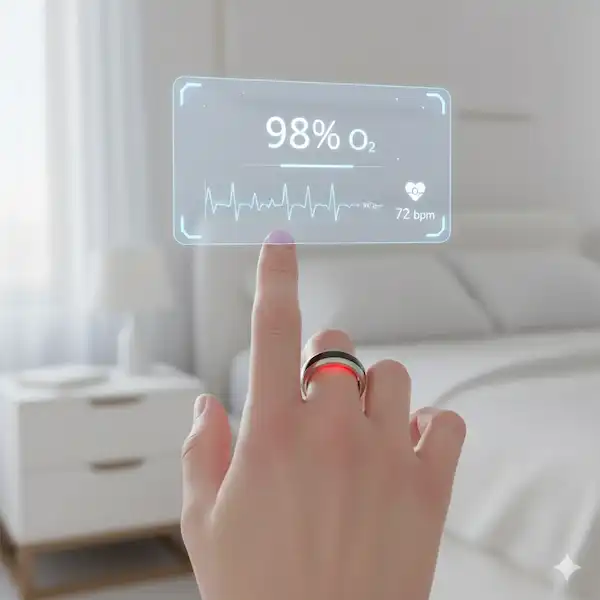
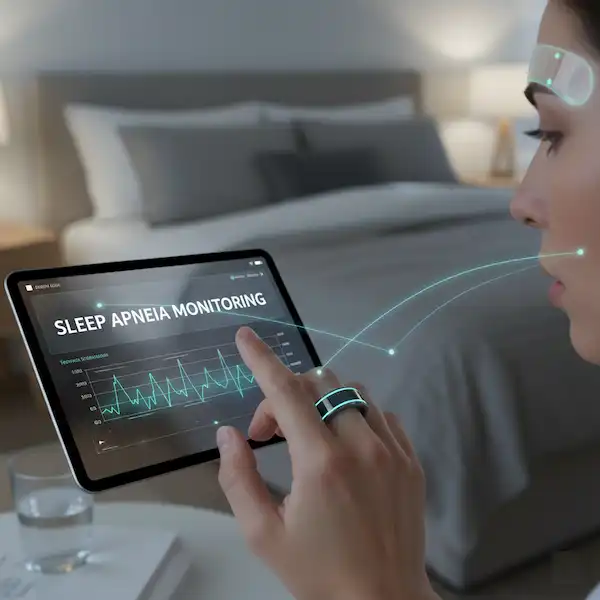
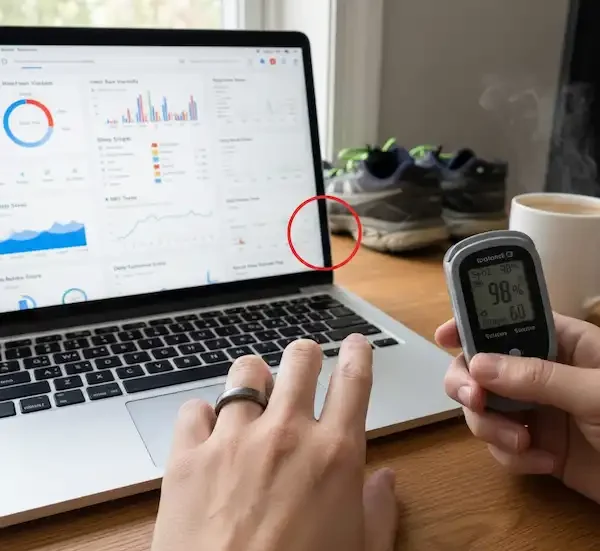
Many people ignore the SpO2 (blood oxygen) feature because they don’t know what it means. In the context of a Smart Ring Health Monitor, it’s mostly used to check for “breathing disturbances” during sleep. If your oxygen levels are dipping below 90% at night, it might be worth talking to a doctor about sleep apnea. My Smart Ring Health Monitor actually helped a friend identify a snoring issue he didn’t even know he had.
As for stress tracking, the Smart Ring Health Monitor uses Heart Rate Variability (HRV). This is the millisecond difference between your heartbeats. A high HRV means your nervous system is relaxed and “ready.” A low HRV means you’re stuck in “fight or flight” mode. I use the data from my Smart Ring Health Monitor to decide if I need to meditate for 10 minutes or if I can handle that stressful 4:00 PM meeting.
The Verdict: Is It Worth It?
After years of wearing these things, I can tell you that the best Smart Ring Health Monitor is the one you actually wear. If you find a watch too bulky for sleep, a ring is a game-changer. It’s the most “human” way to track your health because it doesn’t beep at you, it doesn’t have a screen to distract you, and it looks like a piece of jewelry.
Just remember: the data from your Smart Ring Health Monitor is a guide, not a rulebook. If your Smart Ring Health Monitor says you’re “tired” but you feel like a superhero, go hit the gym. But if it says you’re “red-lined” and you feel like a zombie, maybe take that nap. Your body is the ultimate hardware; the Smart Ring Health Monitor is just the software update.
Summary of Best Practices
To keep your Smart Ring Health Monitor running perfectly for years, follow these “insider” rules:
- Dry it daily. Water trapped under the band is the #1 cause of skin issues with any Smart Ring Health Monitor.
- Index finger is king. For the best heart rate data, the pointer finger is where the magic happens for the Smart Ring Health Monitor sensors.
- Weekly syncs. If you don’t open the app for a week, you might lose data as the Smart Ring Health Monitor’s internal memory overwrites itself.
- Avoid “Fast Chargers.” Use a standard USB port (like a computer or a 5V brick). High-wattage phone chargers can sometimes overwhelm the tiny charging circuits in the Smart Ring Health Monitor case.
Wearing a Smart Ring Health Monitor has changed how I look at my morning coffee (my HRV hates it), my evening wine (my REM sleep hates it), and my afternoon naps (my sanity loves them). Once you get yours dialed in on your Android or iPhone, you’ll wonder how you ever lived without these tiny insights from your Smart Ring Health Monitor.
Stay healthy, keep an eye on those trends, and don’t forget to charge your Smart Ring Health Monitor before your next big sleep!
FAQ: Everything You’re Afraid to Ask
Can I wear it in the pool? Most Smart Ring Health Monitor units are rated for 5ATM (50 meters). Yes, you can swim. No, you shouldn’t take it into a hot tub or sauna. The extreme heat can expand the internal seals of the Smart Ring Health Monitor and ruin the waterproofing.
Does it work with tattoos? PPG sensors (the lights) can sometimes struggle with heavy black ink. If you have a “sleeve” that goes all the way to your knuckles, try to find a small patch of clear skin or switch hands for your Smart Ring Health Monitor.
What if my finger size changes? It happens! If you lose weight or the weather gets cold, the Smart Ring Health Monitor might start spinning. If it spins so much that the sensors are on the top of your finger instead of the palm side, your data will be junk. You can buy small “ring sizers” (silicone inserts) on Amazon to snug up your Smart Ring Health Monitor.
Is there a subscription fee? This depends on the brand. Some rings require a monthly fee to see your data, while others are “buy once, own forever.” Always check the fine print before you commit to a Smart Ring Health Monitor. Personally, I prefer the “no-subscription” models because the data belongs to me, not a corporation.
Can I use it without a phone? The Smart Ring Health Monitor can usually store about 3–7 days of data locally. You don’t need your phone with you while you’re running or sleeping, but you will need to sync your Smart Ring Health Monitor eventually to see the charts.
Additional helpful information:
- Learn how to use AI to monitor your health on your smart ring – Smart Ring AI Health Coach
- Use your smart ring to monitor your heart rate – Manage Your Health: Use A Smart Ring With Heart Rate Monitor
- Find the best Smart Ring Heart Rate Monitor Apps – Smart Ring Heart Monitor Apps – Track Your Heart Rate
- Managing your stress levels is important to your health – Manage Your Health: Use A Smart Ring to Measure Stress?
External References & Authoritative Sources: