The Hands-On Guide to NFC Smart Rings: From Pocket Stress to Digital Freedom
I remember the exact moment I decided to ditch my bulky leather wallet. I was standing at a coffee shop in London, frantically patting my pockets while a line of impatient commuters glared at the back of my head. I’d left my wallet in my gym bag. That was the day I went down the hole of wearable tech, specifically looking for something that didn’t involve a screen. I didn’t want another buzzing notification on my wrist; I just wanted my hand to be more useful.
That’s how I found my first NFC Smart Rings. If you’re looking into these, you’ve probably seen the sleek marketing photos, but the reality of living with one is a mix of “living in the future” and a few technical quirks that the big manufacturers don’t always mention in the manual.
What’s Actually Inside These Things?
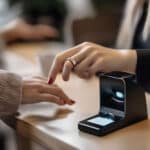
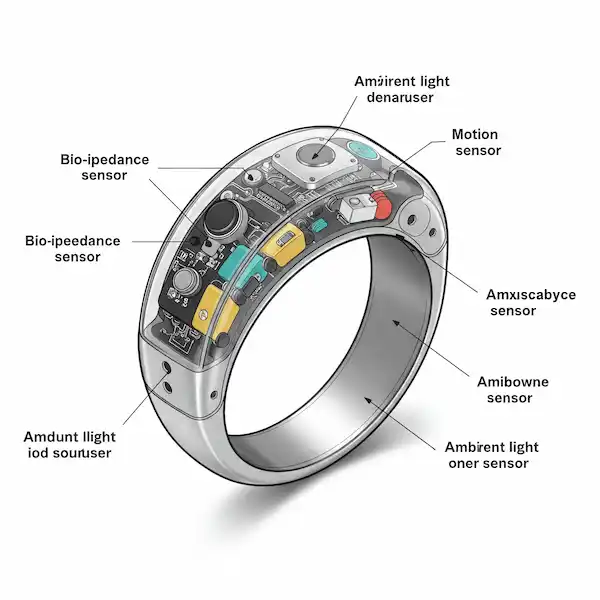
When people ask me how a ring can pay for groceries without a battery, I usually tell them it’s basically magic—but the industry term is inductive coupling. Inside that ceramic or titanium band is a tiny antenna coil and an integrated circuit (the chip). When you bring the ring near a reader, like a payment terminal or your phone, the reader emits a tiny radio frequency field. That field actually powers the ring for a split second, allowing it to “talk” back.
In the industry, we look at the chipsets like car engines. If you get a basic ring from a random seller, it’s likely running an NXP NTAG213 or 216. These are the workhorses of NFC Smart Rings. They are great for sharing a digital business card or triggering a simple automation on your phone, but they aren’t meant for security. If you want to unlock a high-end office door or handle payments, you’re looking for something with a Secure Element (SE), like the NTAG 424 DNA or a chip that supports Java Card technology.
Programmable vs. Non-Programmable: Know Before You Buy
One of the biggest points of confusion for people getting into this space is the difference between a “programmable” ring and a “non-programmable” (or pre-set) one. I’ve owned both, and they serve completely different purposes.
- Programmable NFC Smart Rings: These usually contain an NTAG216 chip. They arrive “blank,” and you have the freedom to write whatever you want to them—a website link, your contact info, or a Wi-Fi password. You can rewrite them thousands of times. If you change your LinkedIn URL, you just tap your phone and update the ring.
- Non-Programmable / Secure Rings: These are often the ones used for payments or high-level building access. Because of security protocols (like those required by Visa or Mastercard), you can’t just “write” data to them with a normal phone app. They are locked down by the manufacturer or the bank to ensure nobody can clone your credit card. Once the payment token is set, that’s what the ring does.
Insider Knowledge: Many people buy a cheap “NFC ring” on a whim, thinking they can use it to pay for coffee. If the ring doesn’t explicitly mention a payment partner like McLear, Curve, or a specific bank-grade Secure Element, it is likely a data-only ring. You can’t “program” a standard $20 data ring to become a credit card.
Living with the Tap: Android vs. iPhone
The experience varies wildly depending on what phone you carry. I’ve used both, and here is the “insider” truth they don’t put on the box:
The Android Experience
Android is the playground for NFC Smart Rings. Because Google doesn’t lock down the NFC controller as tightly as Apple does, you can do some truly cool stuff. I have a ring set up so that when I tap it to the back of my Pixel, it automatically toggles my “Work” mode—silencing notifications and opening my calendar.
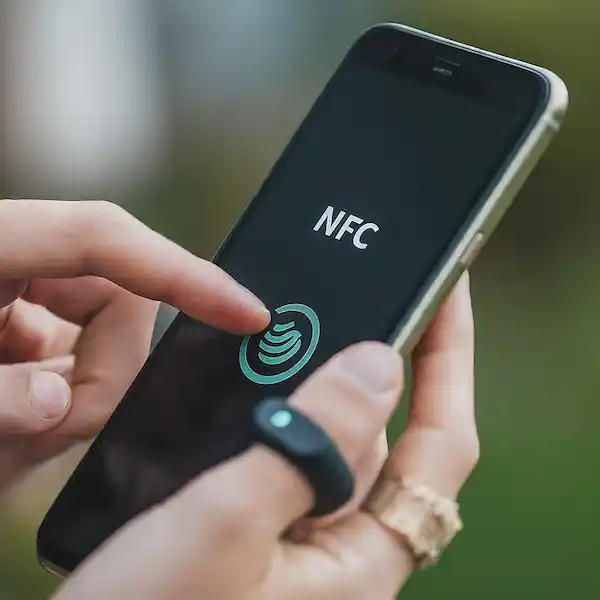
The “sweet spot” for the antenna on most Android phones is right in the center or near the top camera module. You’ll find yourself doing a bit of a “knuckle knock” against the phone to get it to register. Once you find it, it becomes muscle memory.
The iPhone Reality
Apple has historically been very protective of its NFC chip. For a long time, you could only use it for Apple Pay. While iOS now allows “Background Tag Reading” (on iPhone XS and newer), it’s still more restrictive. You can use NFC Smart Rings to trigger Shortcuts, which is powerful, but you won’t get that same raw, deep-level control you find on Android.
One thing I’ve learned the hard way: if you’re using an iPhone, you need to tap the very top edge of the phone (near the front-facing camera/earpiece). That’s where the antenna lives. If you try tapping the middle of the back like an Android user, nothing will happen.
The Third-Party App Toolkit
To actually make your ring do something, you need the right software. After testing dozens, these are the only ones I keep on my home screen:
- NFC Tools (Android & iOS): This is the industry standard. It’s the “Swiss Army Knife” for NFC Smart Rings. I use it to format my rings, check which chip is inside a mystery ring, and write my digital business cards.
- NFC Tasks (Android): This is a companion app for NFC Tools. It allows you to perform “heavy lifting” like toggling Wi-Fi, changing volume profiles, or launching specific app sequences.
- Shortcuts (iOS): For iPhone users, this is built-in. You don’t “write” to the ring here; instead, you tell your iPhone, “When you see this specific ring, run this automation.” It’s how I have my ring set to start my morning workout playlist.
- Tasker (Android): This is for the power users. If you want your ring to do something incredibly specific—like sending a pre-written WhatsApp message to your spouse when you tap your ring at the train station—Tasker is the way to go.
The Payment Secret: Why Your Ring Might “Expire”
This is the part of the industry that frustrates newcomers. You’ll see some rings advertised as “Payment Enabled” and others that are “Data Only.”
Payment NFC Smart Rings are a different beast. They require a partnership with a bank or a service like McLear or Curve. Here’s the insider tip: the “token” that allows you to pay is actually a virtual version of your card. Because of financial regulations (specifically EMV standards), these tokens usually have an expiration date—often around 3 to 7 years.
I’ve had friends buy a premium payment ring only to realize it has a “shelf life.” When the internal certificate expires, the ring effectively becomes a piece of jewelry for payments, even if the chip is physically fine. Always check the “token lifespan” before you drop $200 on a payment-specific wearable.
Security and the “Cloning” Myth
I get asked a lot if someone can walk past me and “steal” my credit card info from my finger. The short answer: highly unlikely. The read range for NFC Smart Rings is incredibly short—usually less than 2 centimeters. Someone would practically have to hold your hand to scan it.
However, if you’re using a ring to clone an old-school office badge (125kHz), you might run into a wall. Most modern NFC Smart Rings operate at 13.56MHz. They are physically incapable of “talking” to the older 125kHz systems. If your office uses those thick, “clunky” HID Prox cards, a standard NFC ring won’t work. You’d need a dual-frequency ring, which is significantly bulkier because it has to house two different antennas.
Beyond the Basics: Practical Uses I Love
After years of wearing these, I’ve moved past the “cool” factor and into pure utility:
- The Digital Handshake: I don’t carry business cards anymore. I have my ring programmed with a Linktree URL. When I meet someone at a conference, I just ask them to tap their phone to my ring. It’s a great icebreaker.
- Smart Home Shortcuts: I have an NFC tag hidden under the coaster on my nightstand. When I set my ring-hand on the coaster, it triggers a “Goodnight” scene via Home Assistant—lights off, doors locked.
- Emergency Info: I keep a small “ICE” (In Case of Emergency) text file on my secondary ring. If anything ever happened to me, a simple scan of the ring would show my blood type and emergency contact.
Choosing Your Material: Ceramic vs. Metal
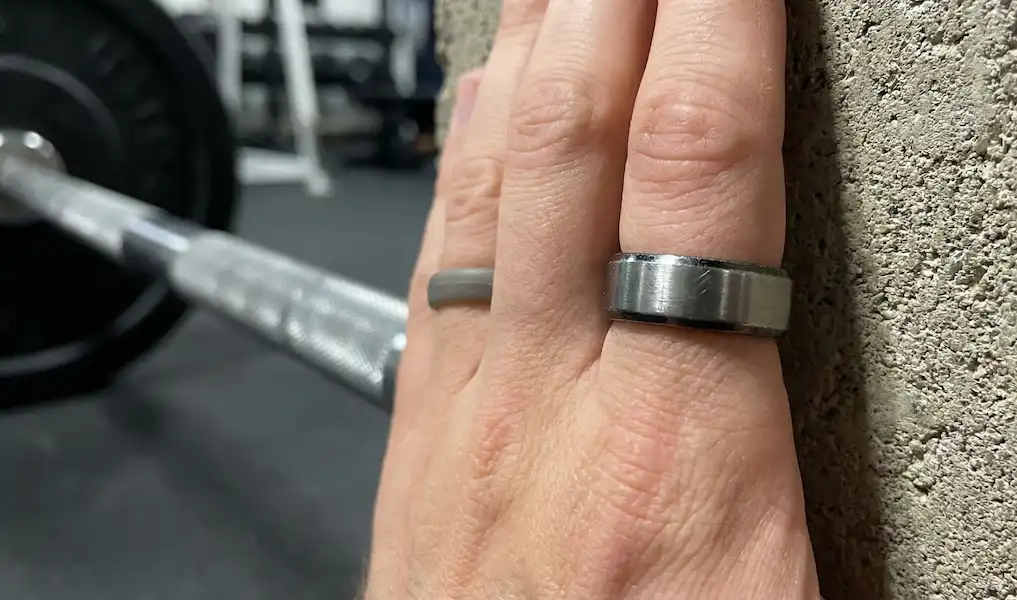
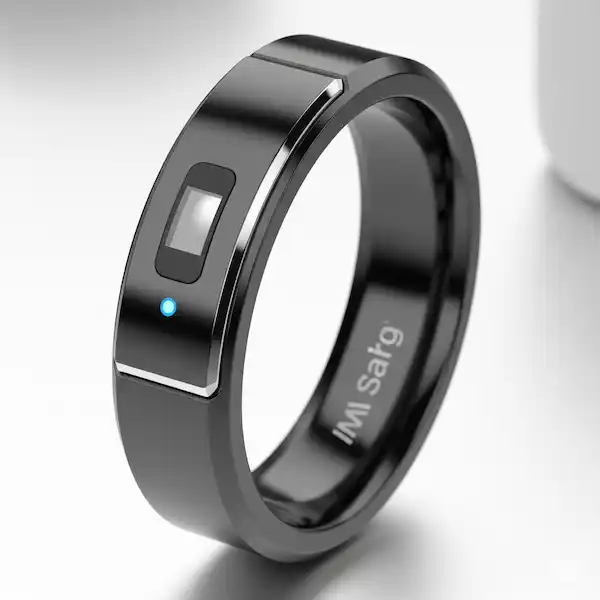
I’ve worn them all. Metal rings (like titanium or steel) look great but they can be a nightmare for NFC signals. Metal interferes with radio waves—it’s called a Faraday cage effect. To get around this, metal NFC Smart Rings usually have a “window” or a gap where the signal can escape.
Ceramic (Zirconia) is the gold standard for a reason. It’s radio-transparent, meaning the signal can pass through the entire ring. It’s also incredibly scratch-resistant. I’ve worn my black ceramic ring while working on my car and doing yard work; it still looks brand new. Titanium is lighter, but it will eventually show “desk diving” scratches from hitting your laptop all day.
Expert Insider Tip: The “Orientation” Trick
The biggest mistake people make is trying to tap the “face” of the ring against a reader. Most antennas are wrapped around the circumference of the band. To get the best read, you should actually present the side of the ring or make a fist and tap the “flat” part of your knuckle against the reader. It maximizes the surface area of the internal coil that’s parallel to the reader.
Additional Thoughts on the Future
NFC Smart Rings aren’t going to replace your phone, but they are the ultimate “utility” accessory. They take the friction out of the small things—opening a door, paying for a coffee, sharing a LinkedIn profile. If you value minimalism and hate fumbling for keys, it’s a game-changer. Just be prepared for the occasional “How did you just do that?” from a confused cashier.
The Technical FAQ
Do I need to charge my ring? No. Most NFC Smart Rings are passive devices. They draw power from the device that reads them. You can leave it in a drawer for five years, put it on, and it will work instantly. Note that some “Health” rings with NFC (like Oura) do need charging for their sensors, but the NFC part often remains passive.
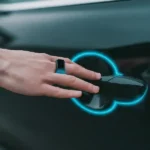
Can I use it to start my car? If you have a Tesla or a modern BMW that supports NFC keys, yes. You can often “pair” the ring to the car just like a key card. For older cars, you’d need to install a third-party NFC ignition kit.
Is it waterproof? Almost always. Since there are no charging ports or buttons on pure NFC Smart Rings, they are hermetically sealed. I’ve gone scuba diving with mine down to 30 meters with zero issues. Just make sure to rinse it after salt water exposure.
What happens if I lose my ring? If it’s a payment ring, you treat it like a lost credit card. You go into the app (like Curve or McLear) and “freeze” the token. If it’s just a data ring used for your business card, there’s no real risk—someone would just get your public contact info if they found it and knew how to scan it.
Additional helpful information:
- Fix NFC connection problems – Smart Ring NFC Connection Problems
- Explore the many ways you can use your smart ring – 50 Unique Ways to Use Your Smart Ring
- Tips and Tricks for using your smart ring – Smart Ring Tricks and Top Hacks