Why Screenless Accessibility for the Visually Impaired Matters
When I sat down with my friend Marcus to talk about his tech setup, he held up his smartphone with a sigh. Marcus has been blind since birth, and while he loves the connectivity of the modern age, he described his phone as a “glass wall.” To navigate a world built for eyes, he was constantly tethered to a slab that required him to listen to high-speed screen readers in public or fumble with gesture-based swipes that felt more like a chore than a convenience.
“The problem isn’t the data,” he told me while we grabbed coffee. “It’s the delivery. I don’t want to live inside a screen. I want to live in the room.”
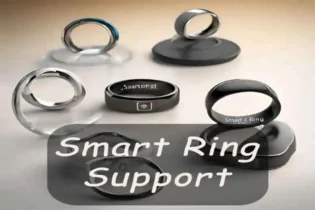
That conversation shifted my entire perspective on wearable design. For years, the industry has been obsessed with shrinking screens to fit our wrists. But for the visually impaired community, the screenless accessibility movement isn’t just a design trend—it’s a massive leap toward true autonomy. This is where the smart ring comes in. These tiny, titanium loops are quietly becoming the most potent tool for independence because they don’t try to be a mini-computer. They are an extension of the sense of touch.
The Shift from Visual to Tactile
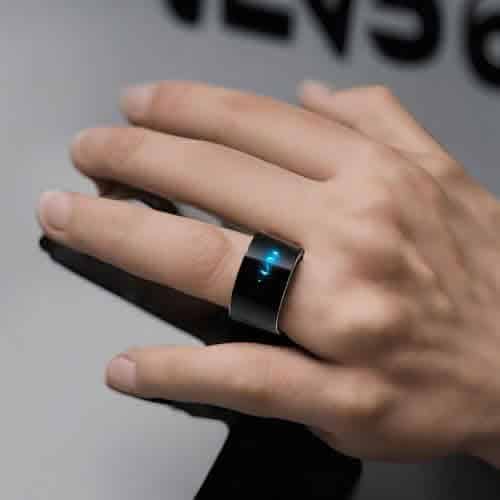
Most wearables—think about the latest smartwatches—are visually-first devices. Their primary “language” is light and pixels. Smart rings flip that script. They communicate through haptic feedback and movement. For someone with low vision, a smart ring removes the “intermediary” of a screen. Instead of pulling out a phone to check a notification, a specific vibration pattern on the finger can signal a text from a spouse versus a calendar alert. This is a subtle but profound shift in screenless accessibility that allows a person to stay present in their environment.
I’ve spent a lot of time testing these devices in various settings, and the finger is actually a much better interface than the wrist for tactile data. The nerves in our fingertips are more densely packed than almost anywhere else on the body. Furthermore, a ring is incredibly discreet. You can interact with it under a table or while holding a cane without drawing attention to the device. There is no “wake” gesture required to see a screen that you can’t see anyway.
Haptic Language: A New Way to Feel Data
In my time working with hardware prototypes, I’ve seen some incredible “haptic alphabets” being developed. We aren’t just talking about a simple buzz anymore. Modern rings use piezo-actuators that can create different textures of vibration. Imagine walking down a busy city street. Instead of a robotic voice in your ear saying “Turn left in fifty feet,” your ring provides a gentle “rolling” pulse on the left side of your finger. It feels intuitive, almost like a tap on the shoulder from a friend.
This type of screenless accessibility keeps the user’s ears open to the environment, which is a major safety factor. When you’re blind, your ears are your radar; blocking them with earbuds to hear navigation instructions can be dangerous. From an industry insider perspective, the move toward piezoelectric haptics is the real game-changer. Older wearables used tiny spinning weights that were clunky and slow. The new tech can start and stop in milliseconds, allowing a ring to simulate the feeling of a click, a tick, or even a heartbeat. For a visually impaired user, this allows for a much higher “bandwidth” of information without a single word being spoken.
Voice Integration Without the Public Spectacle
While the ring handles the “output” through touch, the “input” is where voice-integrated apps shine. I recently got my hands on the Wizpr Ring, which was a standout at recent tech shows. It is specifically designed for conversational AI. Instead of shouting commands into the air, you bring the ring to your mouth—almost like you’re telling a secret—and whisper.
This solves the two biggest problems with voice tech: privacy and social awkwardness. It connects directly to apps like Be My Eyes or ChatGPT. You can ask, “Is there a chair to my right?” and receive a haptic “pulse” in response. This combination of voice-over and haptic response is the gold standard for screenless accessibility. It bridges the gap between the digital world and the physical one without the friction of a touchscreen.
Controlling the Environment
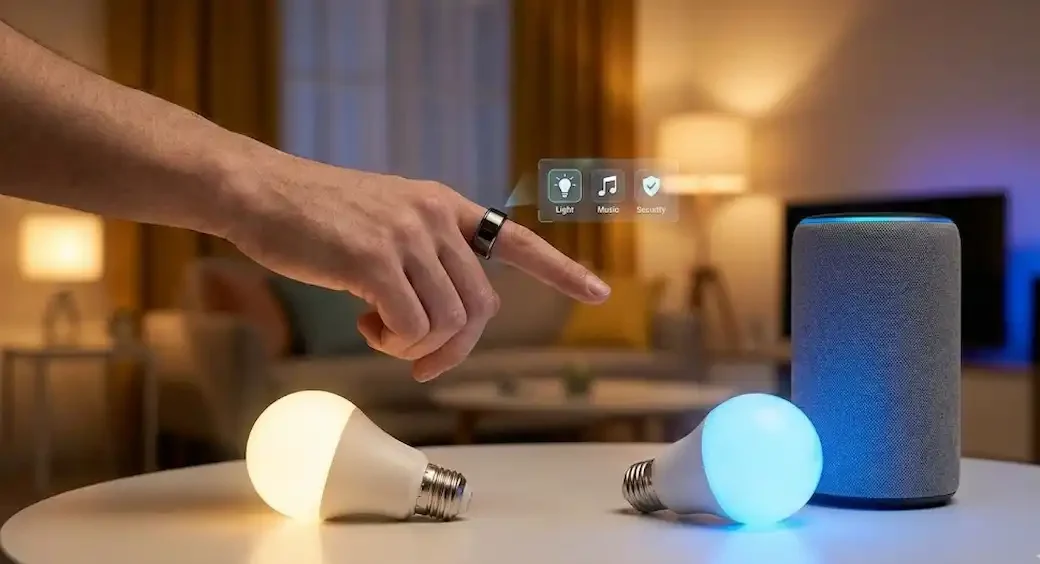
I recently spoke with an occupational therapist who specializes in low-vision aids. She pointed me toward the Lotus Ring. Unlike the Oura, which focuses on health, the Lotus is a “pointer.” It doesn’t even use the internet; it uses infrared, like a TV remote. For someone with visual impairment, finding a light switch or a thermostat in a new room can be a daily struggle. With this ring, you point your finger toward a “tag” on the wall and click. The ring vibrates to confirm the command was sent. This is a brilliant example of screenless accessibility that solves a specific, physical pain point that most sighted designers never even consider.
The Practical Reality: A Day in the Life
Let’s look at how screenless accessibility actually plays out in a morning routine. My friend Marcus now uses a combination of a smart ring and bone-conduction headphones. At 6:30 AM, his ring gives a gentle, increasing vibration to wake him up. There are no loud alarms to startle him, and no fumbling for a “Snooze” button on a flat glass surface.
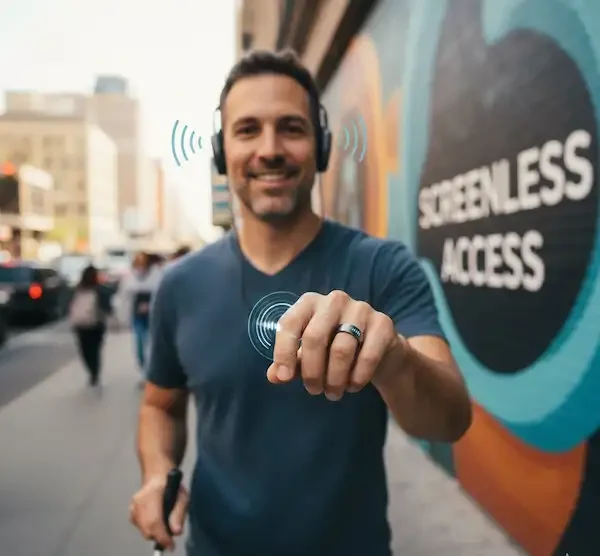
By 7:00 AM, he taps his ring twice to hear his morning briefing. The ring’s app sends the audio to his headphones. While he’s commuting, he uses the voice-input on his ring to tell his navigation app to find the entrance to the subway. As he walks, the ring vibrates whenever he’s drifting off course. He told me it was the first time he felt like the technology was following him, rather than him having to follow the instructions of a machine.
Technical Considerations for the Best Experience
If you’re looking into this tech, the biggest “insider secret” I can give you is to take the sizing process seriously. Because these rings rely on your finger’s skin contact for both sensors and haptic motors, the fit must be perfect. Most companies send a plastic kit first. I always recommend having someone help verify the “gap” between the ring and the finger. A ring that is too loose will have “muffled” haptics, making the screenless accessibility features much less effective. You want it snug enough that the vibration transfers directly to the bone, but not so tight that it’s uncomfortable by the end of the day.
The Future of the Multi-Ring Ecosystem
In the labs where these devices are dreamed up, we’re seeing a move toward using multiple rings at once. Imagine wearing a ring on each hand. One ring handles navigation (vibrating for left/right turns), while the other handles environmental interaction, like paying for coffee or opening a smart door. This creates a “stereo” haptic experience.
We are also seeing the integration of RFID and NFC chips into these rings. This means a visually impaired person can simply tap their ring against a “smart label” at a grocery store to hear the price and nutritional info through their phone. This is the ultimate goal of screenless accessibility: making the world itself “readable” through touch and sound rather than sight.
A Note on Battery and Durability
One thing Marcus pointed out is that he can’t always see if a device is plugged in or if a cable has frayed. Smart rings are great because they usually come with a wireless charging cradle that the ring just drops into. Most of them last for 5 to 7 days. This reliability is a key component of screenless accessibility. If your primary navigation tool dies halfway through the day, you’re in trouble. The long battery life of a ring compared to a smartwatch is a massive safety benefit.
Why Not Just Use a Watch?
I get asked this a lot. While watches are great, they have a few drawbacks for the blind. First, the wrist is not as sensitive as the finger. Second, watches are bulky and can get caught on sleeves or bags. Third, and most importantly, the “raise to wake” gesture on a watch is designed for people who are looking at a screen. If you aren’t looking at it, the watch sometimes fails to trigger its haptic alerts. A ring is always in contact with your skin, so you never miss a cue. This constant connection is what makes screenless accessibility so reliable in a ring form factor.
The Human Element
Technology should feel like a part of us, not a tool we have to manage. For the visually impaired, the “Screenless Advantage” is about removing the friction of the digital world. By moving the interface from the eye to the finger, smart rings are opening up a world of screenless accessibility that feels more human, more private, and infinitely more empowering. We’re finally moving away from a world where you have to look to know.
I think about Marcus every time a new ring comes across my desk. I think about how a simple vibration on his index finger helps him navigate a crowded sidewalk with confidence. It’s not just a gadget; it’s a quiet revolution in how we experience the world.
Frequently Asked Questions
Are smart rings more difficult to set up if you can’t see? The initial setup usually requires a smartphone app. While most of these apps are compatible with screen readers like VoiceOver or TalkBack, the very first pairing might be easier with a sighted friend. Once it’s paired, the day-to-day screenless accessibility features are entirely tactile or voice-driven.
Can I wear a smart ring while using a white cane? Absolutely. In fact, many users prefer wearing the ring on their “cane hand” because the vibrations are felt directly through the hand that is already scanning the environment. It creates a very integrated sensory experience.
What happens if I lose the ring? Most smart rings have a “Find My Ring” feature in the app that will make the ring vibrate at its highest setting or show its last known GPS location. For screenless accessibility, you can use voice commands on your phone to trigger the vibration so you can hear it “buzzing” on a nightstand or floor.
Do all smart rings have haptics? No, and this is an important distinction. Some rings, like the older Oura models, were purely for data collection and didn’t have vibration motors. If you are seeking screenless accessibility, you must ensure the model you choose specifically lists “haptic alerts” or “vibration motor” in the specs.
Is the voice integration always listening to me? Privacy is a huge concern. Most rings that feature voice-integrated apps use a proximity sensor or a “tap-to-talk” feature. They only listen when you bring the ring close to your face or perform a specific gesture, so your private conversations stay private.
How many different vibration patterns can I learn? Most people find that they can easily distinguish between 4 and 6 distinct patterns (e.g., long pulse, rapid staccato, increasing intensity). This is usually enough to cover the most important alerts like calls, navigation turns, and battery warnings.
Is it worth the investment? For someone relying on screenless accessibility, the value of being able to keep your phone in your pocket and your ears open to the world is hard to put a price on. It’s a tool for safety as much as it is for convenience.
The “Screenless Advantage” isn’t about removing features; it’s about removing barriers. As we continue to develop these technologies, the goal remains the same: to create a world where information is accessible to everyone, regardless of how they perceive it. The smart ring is a small device making a massive difference in that mission.
Additional Helpful Information
- Read more about smart rings for people with disabilities – Smart Rings for People with Disabilities