Mastering Your Smart Ring Fitness Data: A Guide to Syncing with Strava and Garmin
Title: Syncing Smart Ring Fitness Data with Strava and Garmin: A Practical Guide Meta Description: Learn how to sync your Smart Ring Fitness Data with Strava and Garmin. Get insider tips on Android and iPhone setups to keep your health metrics in one place.
I’ve spent the last few years obsessed with the tiny computers we wear on our fingers. It started when I realized that wearing a bulky GPS watch to a formal dinner made me look like I was expecting a call from mission control. I wanted something discreet, but as a data nerd who lives on Strava, I wasn’t willing to sacrifice my stats. If you’ve ever stared at your Oura or Ultrahuman app and wondered why that morning run hasn’t appeared in your Garmin Connect feed yet, you are not alone.
The truth is, getting your Smart Ring Fitness Data to play nice with the giants of the fitness world—Strava and Garmin—is a bit like trying to host a dinner party where nobody speaks the same language. But after plenty of trial, error, and a few frantic “why is my heart rate zero?” moments, I’ve figured out the secret handshake.
The “Bridge” Strategy: Android vs. iPhone
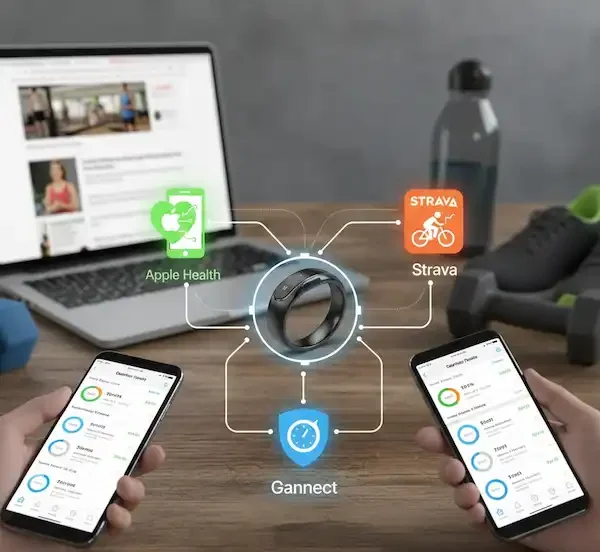
One thing the glossy manufacturer websites won’t tell you clearly is that smart rings rarely talk directly to Garmin. Garmin is a closed garden; they want you in their ecosystem. Strava, thankfully, is the “social town square” of fitness and is much more open.
When I’m setting up a new ring, I think of my phone’s health hub as the translator.
On iPhone (The Apple Health Method)
If you’re on an iPhone, Apple Health is your best friend. Most rings, like the Oura Ring 4 or the Evie Ring, export data here effortlessly.
- The Handshake: In your ring’s app settings, enable all permissions for Apple Health.
- The Strava Link: Open Strava, go to Settings > Applications, Services, and Devices, and link Apple Health.
- The Insider Tip: Here’s something I learned the hard way: Apple Health has a “Data Priority” list. If you’re wearing a ring and an Apple Watch, your steps might look wonky. Go into Apple Health > Steps > Data Sources & Access, and drag your preferred device to the top.
On Android (The Health Connect/Google Fit Method)
Android used to be a mess for this, but Google’s “Health Connect” has been a lifesaver.
- Setup: Ensure you have the Health Connect app installed.
- Syncing: Direct your ring data to Health Connect, then tell Strava to pull from it.
- The Reality Check: I’ve found that some older Android skins (looking at you, older Samsung builds) occasionally “kill” background sync to save battery. If your Smart Ring Fitness Data isn’t updating, check your “Battery Optimization” settings and make sure your ring’s app is set to “Unrestricted.”
The Strava Connection: Making It Social
Strava is where we go to brag—I mean, share our progress. Most modern rings now have a “Direct to Strava” integration. For example, Oura added a beautiful integration that even pushes a “Sticker” of your readiness score to your activity.
When I use my Ultrahuman Ring Air, I love that it pushes my recovery data into the Strava description. However, a word of caution: if you record a run on your Garmin watch and your ring also “detects” a workout, Strava might show two activities. I usually keep my ring’s “Automatic Activity Detection” on for walks, but I disable the “Export to Strava” for high-intensity workouts where I’m already wearing my Garmin. This prevents the dreaded “Double Workout” that makes your friends think you’re training for an ultra-marathon when you just went for a 5k.
The Garmin Hurdle: The One-Way Street
This is the question I get most often: “How do I get my ring’s sleep data into Garmin Connect?” The short answer? You generally can’t.
Garmin is very protective of its “Body Battery” and sleep metrics. They want that data to come from a Garmin sensor. However, I’ve found a workaround. I use a third-party app called “Health Sync” (available on Android). It’s a small, paid app, but it’s the only way I’ve successfully moved data across these silos.
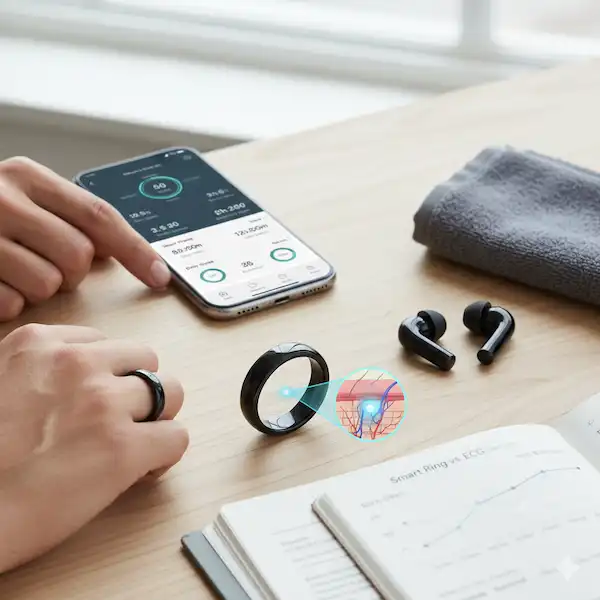
In my experience, rather than trying to force ring data into Garmin, it’s much more effective to use a third-party dashboard like Intervals.icu or TrainingPeaks. These platforms can pull your Garmin “work” (the runs and rides) and your Smart Ring Fitness Data “recovery” (the sleep and HRV) into one glorious, unified view.
Why Your Data Might Look Different
Have you ever noticed your ring says you burned 400 calories while your Garmin says 320? I used to think one was broken. After talking to some folks in the wearable industry, I learned that every company uses a different “algorithm” for Basal Metabolic Rate (BMR).
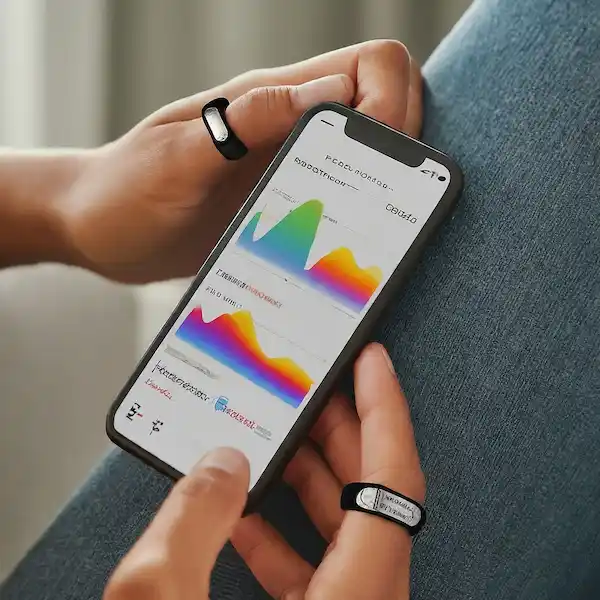
Some rings include your “resting” calories in the total workout burn, while Garmin tends to be more conservative. When you’re looking at your Smart Ring Fitness Data, don’t get hung up on the specific number. Instead, look at the trend. Is your heart rate variability (HRV) trending up over the month? That’s the real win.
Dealing with the “Phantom Sync” Issue
Nothing is more frustrating than finishing a workout, opening your app, and seeing… nothing. This happened to me constantly last winter. I eventually realized that Bluetooth interference is a real thing. If you have a smart ring, a heart rate strap, and wireless headphones all connected to your phone at once, something is going to drop.
My Pro Tip: If your ring won’t sync, turn off your headphones first. Give the ring the “clean” lane it needs to push that data through. Also, rings have very small internal memories. If you don’t open the app for three or four days, you might actually lose some of the high-fidelity heart rate data from your sessions. I make it a habit to sync every morning while my coffee is brewing.
Choosing Your “Source of Truth”
After years of wearing both a ring and a watch, I’ve settled on a philosophy:
- The Watch is for the “Active” data (GPS, Max Heart Rate, Power).
- The Ring is for the “Passive” data (Sleep, Recovery, Resting Heart Rate).
When you look at your Smart Ring Fitness Data, use it to decide if you should train today. Use your Garmin to decide how fast to run. Strava is simply the place where those two worlds meet for your friends to see.
Troubleshooting the iPhone/Android Divide
If you’re an iPhone user, the “Background App Refresh” is your “on/off” switch. If it’s off, your ring won’t talk to Strava until you manually open the app. On Android, the biggest hurdle is often the “Permissions” menu. Whenever there’s a firmware update for your ring, I’ve noticed that sometimes the permissions get “reset” or need to be re-authorized. If things stop working, just disconnect and reconnect the service—it’s the classic “unplug it and plug it back in” fix that actually works in the wearable world.
Deep Dive: Specific Ring Integrations
- Oura Ring: The gold standard for integrations. Their Strava link is robust and includes “Readiness” snapshots. You can find their official guide on partner integrations here.
- Ultrahuman: They are the “disruptors.” Their app is data-heavy and syncs well with both platforms, often providing more granular “Power Index” data to third-party apps.
- Samsung Galaxy Ring: If you’re a Samsung user, this is a no-brainer. It lives inside Samsung Health, which now has a great “Health Connect” bridge to move your Smart Ring Fitness Data to Strava.
- RingConn: Great battery life, but the integrations are still maturing. I find I have to rely on the “Health Connect” bridge more with this one than with Oura.
Final Thoughts from the Finger-Wearable Trenches
Getting your ecosystem dialed in takes a little patience. Don’t expect it to be perfect on day one. I remember the first time I got my HRV data from my ring to show up alongside my marathon training plan in Strava—it was a “lightbulb” moment. Suddenly, I could see why my run felt like trash: my recovery score was in the tank.
That’s the power of mastering your Smart Ring Fitness Data. It’s not just about the numbers; it’s about the story those numbers tell about your body.
FAQ: Everything You Need to Know
Does my ring need to be near my phone to sync to Strava? Yes, usually. The ring stores data locally, but it needs a Bluetooth connection to your phone to “upload” that data to the cloud, which then sends it to Strava. If you go for a run without your phone, the ring will save the data and sync it once you’re back.
Can I use my smart ring as a heart rate monitor for my Garmin watch? In most cases, no. Most rings do not broadcast heart rate over Bluetooth (BLE) in a way that a Garmin watch can “read” as a chest strap would. The Strava support pages explain how sensor pairing works, but rings are generally not on the compatible sensor list yet.
Why are my steps different on Strava than on my ring app? Strava often uses its own “processing” to filter out what it thinks are “false” steps or movements. Your ring app is likely more accurate for steps since it’s tuned to that specific hardware.
Will syncing my data drain my ring’s battery? Constant syncing will. I recommend keeping “Continuous Sync” off and letting the app do its thing periodically or when you open it. This is a common tip in wearable developer circles to save power.
What if my workout doesn’t show up in Strava at all? Check your “Privacy Zones” in Strava. Sometimes, if a workout starts and ends in a “Hidden” zone (like your house), it might not appear in the public feed, making it look like it didn’t sync. Also, ensure your Smart Ring Fitness Data permissions are still active in the app settings.
Is there a subscription fee for these syncs? Strava and Garmin are free for basic syncing. However, some rings (like Oura) require a monthly membership to access the data that gets synced. Without the sub, the sync might just show basic “Active Minutes” rather than detailed heart rate graphs.
Can I sync historical data? Usually, no. Most integrations only start “looking” at your data from the moment you hit “Authorize.” If you want to move three years of Oura data to Strava, you might be looking at a manual .CSV export and import.
🔗Additional Helpful Links
- Learn about smart ring data accuracy – Smart Ring Fitness Tracking Accuracy: Unpacking the Data