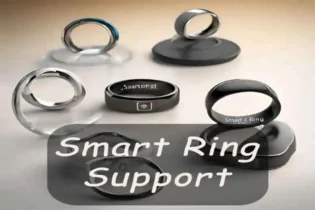
Smart Ring Smart Home Control: The Magic on Your Finger
Smart Ring Smart Home Control: The Magic on Your Finger
Picture this: It’s 11:00 PM. You’ve just settled onto the couch with a steaming mug of tea, ready to finally start that movie. But the overhead lights are blazing like an interrogation room.
Do you:
A) Groan, get up, and walk to the switch?
B) Shout, “Alexa/Hey Google, turn off the living room lights!” (and hope it doesn’t wake the kids/dog/spouse)?
C) Fumble for your phone, unlock it, find the app, wait for it to load, and find the right slider?
For years, B and C have been our “smart” options. Honestly? They aren’t always that smart. They break the flow. They kill the vibe.
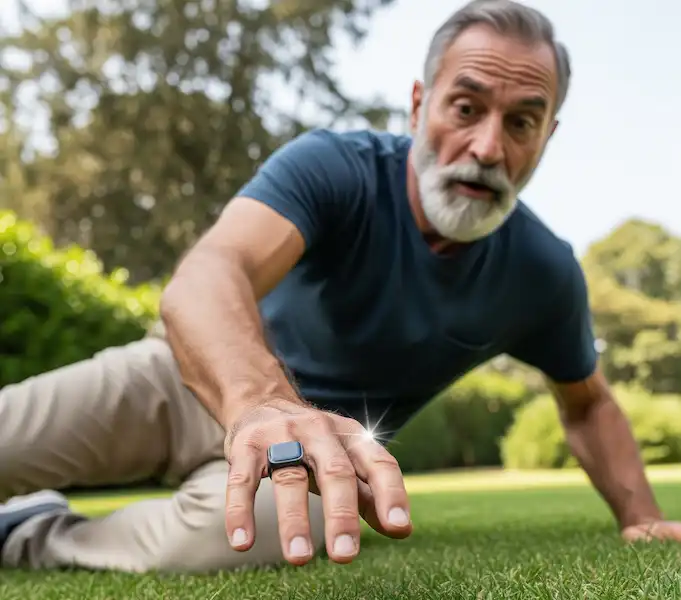
But what if there was option D? A subtle, almost invisible flick of your index finger while it rests on your tea mug.
Welcome to the emerging world of Smart Ring Smart Home Control hubs for the Internet of Things (IoT). It’s tech that feels less like a computer and more like actual magic.
Moving Beyond Health Tracking
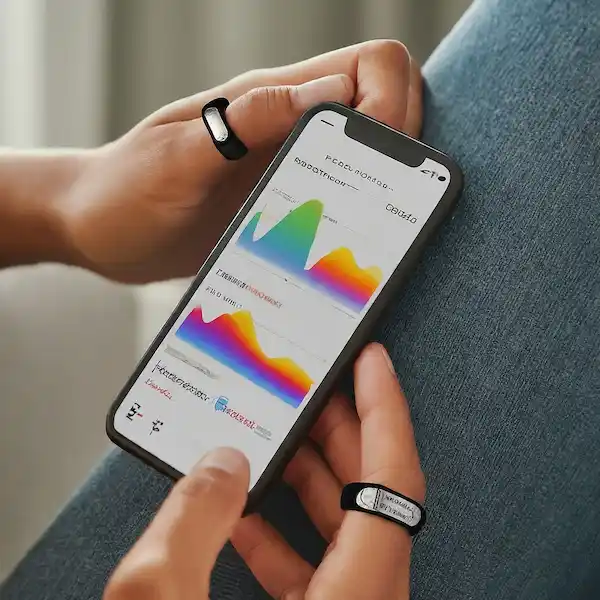
If you know about smart rings, you probably think of the Oura Ring first. It’s fantastic at tracking sleep and readiness. But the next generation of smart rings is hungry for more than just your biometric data. They want to be the conductor of your connected orchestra.
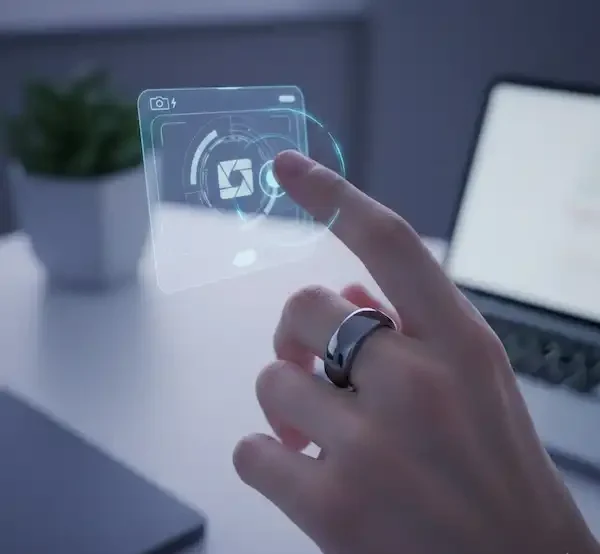
While health tracking is passive (the ring just sits there and listens to your body), Smart Ring Smart Home Control is active. It turns the ring into an input device. Using tiny, sensitive accelerometers, gyroscopes, and even Infrared (IR) transmitters, these rings can detect precise movements or location and translate them into commands.
It’s the ultimate “minimalist” interface. No screens, no microphones, just you and a gesture.
The “Jedi Mind Trick”: Real-World Examples & Tech
While we are still in the early stages, there are devices right now that are pushing this “point-and-click” reality. Here is how this tech acts as a Smart Ring Smart Home Control universal remote for your life:
1. The “Point and Click” Controller (The Lotus Ring)
The Lotus Ring is currently the closest thing to a “magic wand” on the market. Unlike rings that rely on complex Bluetooth pairings, it uses Infrared (IR) technology—the same tech in your TV remote—to control devices.
The Scenario: You walk into a dark room.
The Magic: You simply point your finger at the wall switch (fitted with a Lotus cover) and click. The lights toggle instantly. No app, no Wi-Fi delay, just point and shoot.
Why it matters: It solves the “guest problem.” Anyone can wear the ring and use it without needing to be added to a Google Home family account.
2. The Ecosystem Integrator (Samsung Galaxy Ring)
Samsung recently entered the ring arena, and their Galaxy Ring is leveraging the massive SmartThings Smart Ring Smart Home Control ecosystem.
The Magic: While currently focused on health, Samsung has introduced a “double pinch” gesture (tapping your thumb and index finger together).
The Application: Right now, this can dismiss alarms or take photos on your Galaxy phone. However, the potential to map this “double pinch” to a SmartThings routine (e.g., “Good Morning” scene) is the natural next step Samsung is building toward.
3. The “Passive” Automator (Oura, Ultrahuman, RingConn)
Current market leaders like Oura and Ultrahuman don’t have active “buttons,” but they act as powerful passive triggers via integrations with platforms like IFTTT (If This Then That).
The Scenario: You fall asleep reading a book.
The Magic: The ring detects you have entered “Sleep” stage 1. It sends a signal to your smart home hub to automatically lock the front door, turn off the bedside lamp, and lower the thermostat. You didn’t do anything; the house just knew.
Note: For a deep dive into the current capabilities of these top rings, authoritative reviews from The Verge or CNET are excellent resources to check specs.
The Battle for Control – Smart Ring Smart Home Control
How does a smart ring stack up against how you currently control your home?
Feature
Smart Ring (Gesture)
Smartphone App
Voice Assistant
Physical Switch
Convenience
Very High (Always on you)
Medium (Must find/unlock)
High (Hands-free)
Low (Must walk to it)
Speed
Instant (Gesture/Point)
Slow (Navigate UI)
Medium (Wait for processing)
Instant
Subtlety
Very High (Invisible action)
Low (Screens are distracting)
Very Low (Must speak aloud)
High
Learning Curve
Medium (Memorize gestures)
Low (Visual interface)
Low (Natural language)
None
A Day in the Life with a Smart Control Ring
To understand the flow, let’s look at a hypothetical Tuesday for “Sarah,” an early adopter of this tech.
7:00 AM: Sarah’s alarm goes off. Instead of fumbling for her phone, she performs a “double pinch” (Samsung style) to snooze it.
7:30 AM: Walking into the kitchen, she points her index finger at the coffee maker (connected to a smart plug) and clicks her ring. Coffee starts brewing.
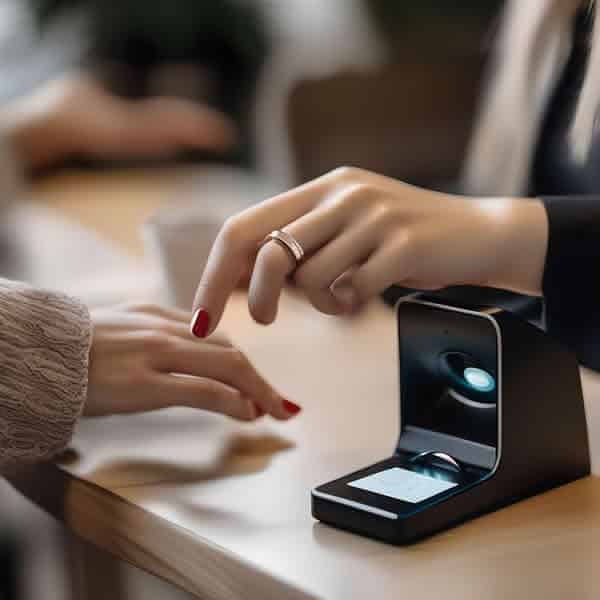
8:45 AM: Leaving for work, she taps her ring against her NFC-enabled smart lock to secure the bolt.
6:00 PM: Arriving home, she sits on the couch. A “rotate” gesture in the air dims the lights to Movie Mode.
It’s seamless. It removes the friction between thinking about an action and making it happen.
The Current Reality Check
I need to be honest with you—we aren’t fully there yet for everyone.
The “Magic” is Fragmented: You often have to choose between a great health tracker (Oura) or a great controller (Lotus). There isn’t one ring that does everything perfectly yet.
Battery Drain: Constantly listening for gestures uses more power than passive health tracking.
False Positives: You don’t want your lights turning off just because you waved hello to someone. This is why “intentional” gestures (like the double pinch or a physical button click) are winning over wild hand waving.
The industry is moving toward the Matter standard—a universal language for smart home devices. As rings adopt Matter, they will be able to talk to Apple HomeKit, Google Home, and Alexa seamlessly.
FAQ
Q: Can I use my current Oura Ring to control my lights?
A: Not natively with a “gesture.” However, you can use IFTTT to trigger lights based on your sleep status (e.g., lights turn on when you wake up), but you can’t flick your finger to turn them off… yet.
Q: Is “Ring” the security company the same as “Smart Rings”?
A: No! This is a common confusion. Ring (owned by Amazon) makes doorbells and alarms. Smart Rings are the wearable category. However, you can often control Ring security devices using a smart ring via integrations.
Q: How does the ring know I’m pointing at the light and not the TV?
A: Rings like the Lotus use Infrared (IR) beams, which are directional. You have to physically point it, just like a remote. Other rings use Bluetooth and don’t know where you are pointing, just that you made a gesture.
Q: Is it secure? Can someone steal my ring and unlock my house?
A: Smart rings that handle access (like door unlocking) usually use encrypted NFC. Many high-end rings also have “on-finger detection”—if the ring is removed from your finger, it locks its payment and access features until you re-authenticate it via your phone.
To provide the best experiences, we use technologies like cookies to store and/or access device information. Consenting to these technologies will allow us to process data such as browsing behavior or unique IDs on this site. Not consenting or withdrawing consent, may adversely affect certain features and functions.
Functional
Always active
The technical storage or access is strictly necessary for the legitimate purpose of enabling the use of a specific service explicitly requested by the subscriber or user, or for the sole purpose of carrying out the transmission of a communication over an electronic communications network.
Preferences
The technical storage or access is necessary for the legitimate purpose of storing preferences that are not requested by the subscriber or user.
Statistics
The technical storage or access that is used exclusively for statistical purposes.The technical storage or access that is used exclusively for anonymous statistical purposes. Without a subpoena, voluntary compliance on the part of your Internet Service Provider, or additional records from a third party, information stored or retrieved for this purpose alone cannot usually be used to identify you.
Marketing
The technical storage or access is required to create user profiles to send advertising, or to track the user on a website or across several websites for similar marketing purposes.