
Smart Ring Troubleshooting and Fixes, Oura, Samsung, UltraHuman
Smart Ring Troubleshooting and Fixes, Oura, Samsung, UltraHuman Read Post »
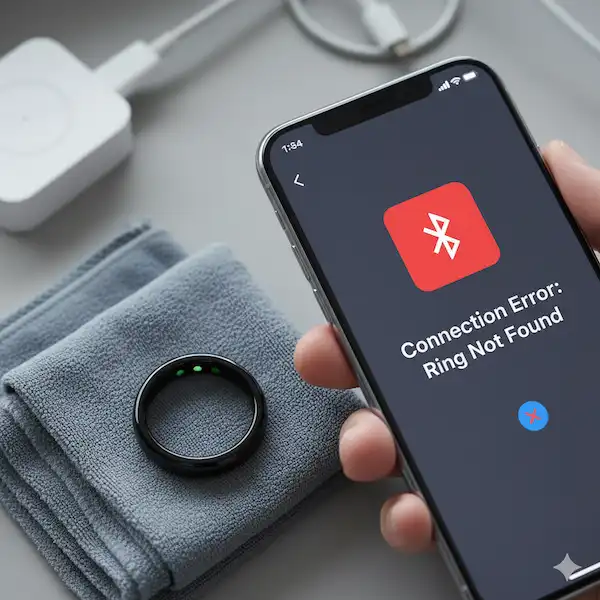
Nothing is more frustrating than waking up to find your ring didn’t track your sleep, or worse, it won’t connect to your phone at all. We’ve all been there, staring at a “Device Not Found” screen. That’s why we built this smart ring troubleshooting hub. Smart rings are incredibly dense pieces of engineering, and because they lack a screen or buttons, they can feel like a “black box” when something goes wrong. We’re here to open that box and show you how to fix the most common glitches without needing to ship your ring back to the manufacturer.
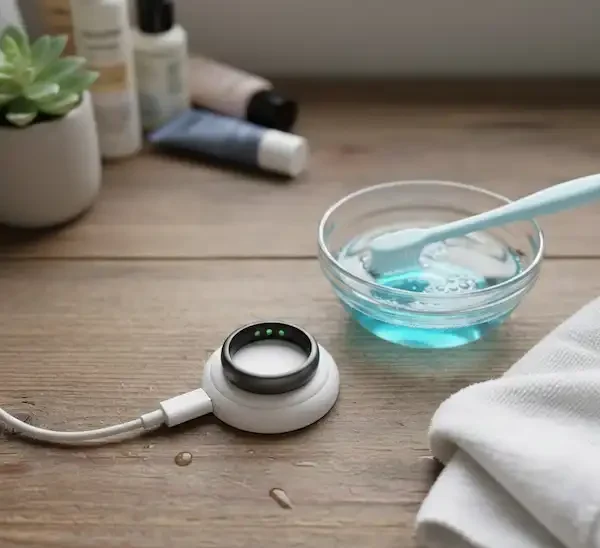
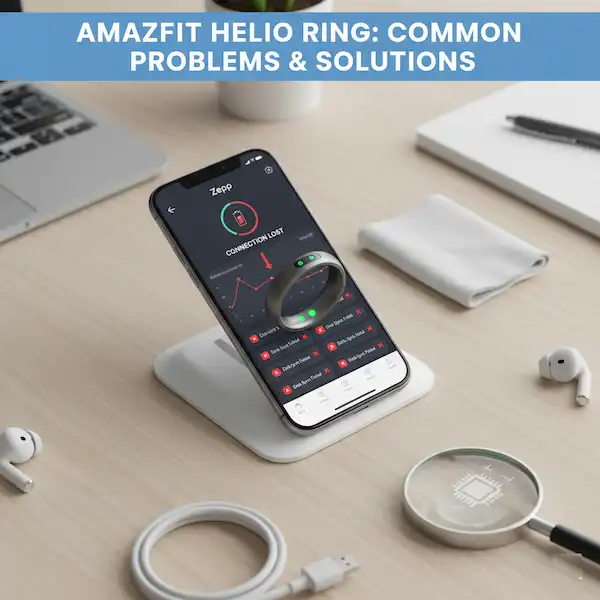
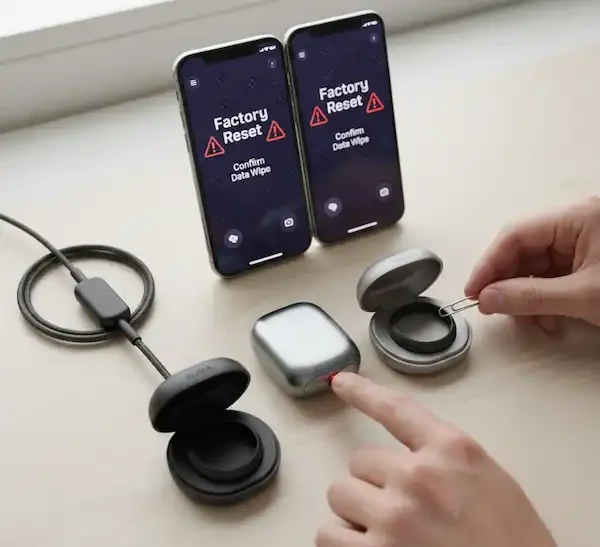
Most smart ring troubleshooting actually comes down to two things: connectivity and charging. We’ll walk you through the “reset dance”—that specific sequence of tapping, docking, or app-cycling that clears the digital cobwebs. If your ring is losing battery life faster than it should, we have guides on how to identify “vampire” features that might be draining your power. We also cover the physical side of things. Since these devices live on your hands, they’re exposed to soap, lotions, and sweat. We’ll show you how to clean the sensors properly so your data stays accurate and your skin stays irritation-free.
But what if the problem is bigger? Sometimes a software update fails, or the ring goes completely unresponsive. We have deep dives into “hard resets” and how to handle water damage (even for rings that claim to be waterproof). Our goal is to save you from a three-week wait for a customer support email. Before you give up on your device, check through our troubleshooting guides—90% of the time, the fix is something you can do at home in under five minutes.