Ultrahuman Smart Ring Setup: Let’s Get You Connected!
Hey there, future biohacker! Just got your shiny new Ultrahuman Smart Ring and itching to start tracking your sleep, movement, and recovery? Awesome! You’ve made a great choice. These little tech wonders are fantastic for giving you insights into your body’s rhythms.
But before you can dive deep into all those cool metrics, you gotta set it up first, right? Don’t sweat it, it’s super straightforward. Whether you’re an Android aficionado or an iPhone enthusiast, I’ve got your back. Let’s get this done!
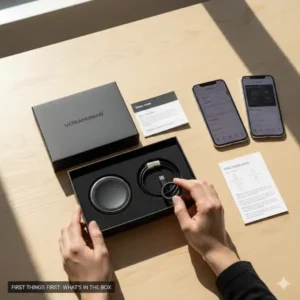
First Things First: What’s in the Box?
When your Ultrahuman Ring arrives, you’ll find a few essentials. Pop that box open and make sure you’ve got everything you need:
- Your Ultrahuman Ring: Obviously!
- The Charging Dock: This is where your ring gets its juice.
- A USB-C to USB-A Cable: To connect your dock to a power source.
- The User Manual/Quick Start Guide: Always a good idea to glance at these!
Ultrahuman Smart Ring Setup:
Step 1: Give Your Ring Some Juice (Charge It Up!)
Your ring probably arrives with some battery, but it’s always best practice to give it a full charge before its first use. Think of it like getting a new phone – you wouldn’t just rip it open and immediately start downloading apps, would you? Continue the Ultrahuman Smart Ring Setup:
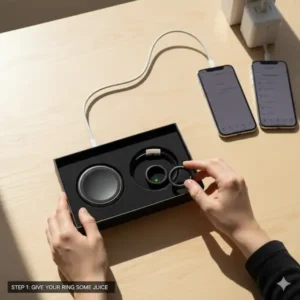
- Connect the Charging Dock: Grab that USB-C cable and plug the small end into the back of your charging dock.
- Plug into Power: Connect the larger USB-A end into a power adapter (like the one you use for your phone) or a USB port on your computer.
- Place Your Ring: Gently place your Ultrahuman Ring onto the charging dock. You should see a small light or an indication that it’s charging.
Let it charge until it’s full. This usually takes about 30-60 minutes. While it’s charging, let’s get the app ready!
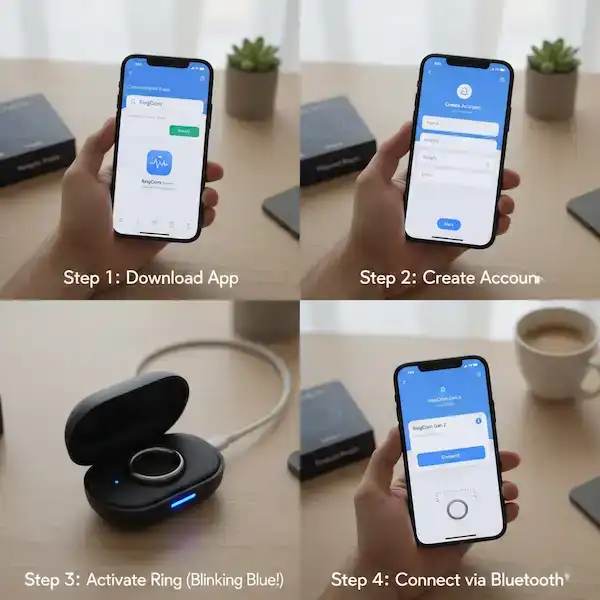
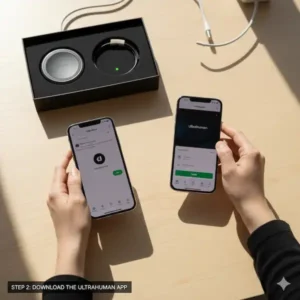
Step 2: Download the Ultrahuman App
This is the most important step for Ultrahuman Smart Ring Setup. This is where all the magic happens! The Ultrahuman app is your dashboard for all your health metrics.
For iPhone Users:
- Open the App Store on your iPhone.
- Tap the Search icon (magnifying glass) at the bottom right.
- Type “Ultrahuman” into the search bar and hit search.
- Look for the official “Ultrahuman” app (it usually has their logo).
- Tap Get or the cloud icon to download and install it.
For Android Users:
- Open the Google Play Store on your Android device.
- Tap the Search bar at the top.
- Type “Ultrahuman” and press the search icon.
- Find the official “Ultrahuman” app.
- Tap Install to download and set it up.
Step 3: Create Your Ultrahuman Account
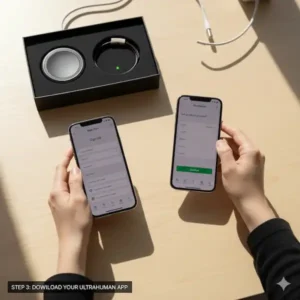
Once the app is installed, open it up! You’ll need to create an account to store all your personalized data. This important Ultrahuman Smart Ring Setup step is completely free, there is not a monthly fee for this account.
- Open the Ultrahuman App.
- Follow the on-screen prompts to Sign Up. You’ll likely use your email address, Google, or Apple ID.
- Enter Your Details: The app will ask for some basic info like your name, height, weight, age, and gender. This helps the algorithms personalize your insights. Don’t worry, it’s all private!
- Grant Permissions: Your phone will ask for permissions like Bluetooth access (essential for connecting to your ring!) and possibly notifications. Make sure to allow these so your app can communicate with your ring and keep you updated.
Step 4: Pair Your Ring with the App (The Big Moment!)
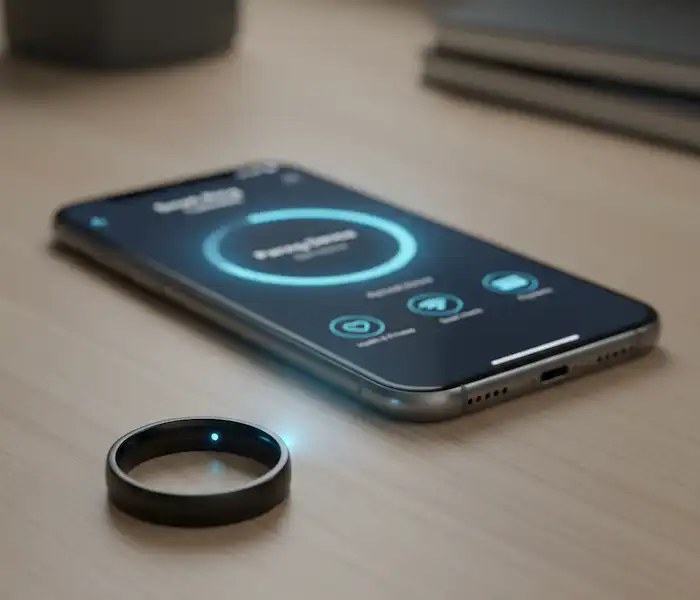
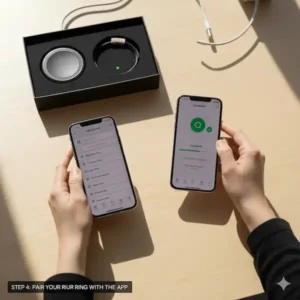
Alright, your ring is charged, the app is installed, and your account is ready. Time to link ’em up!
- Ensure Bluetooth is ON: Double-check that Bluetooth is enabled on your smartphone.
- Open the Ultrahuman App.
- On the app’s main screen, or in the settings menu, look for an option like “Add Device” or “Pair Ring.”
- The app will start searching for your Ultrahuman Ring. Make sure your ring is awake and near your phone. If it’s still on the charger, that’s perfectly fine!
- When your ring appears in the app’s list of discoverable devices, tap on it to connect.
- You might see a confirmation prompt on your phone – accept it.
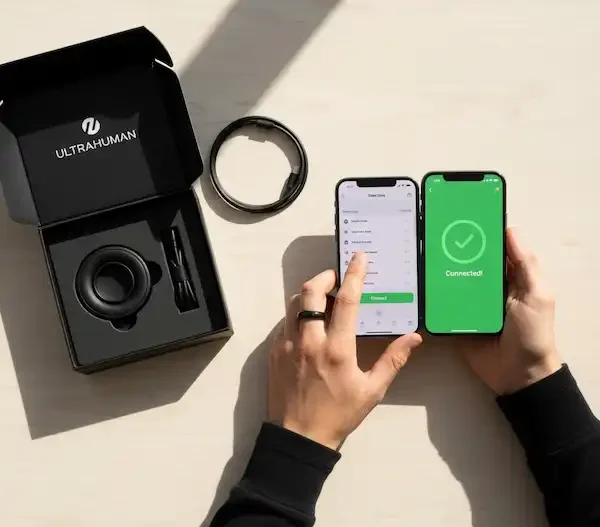
- The app will confirm when your ring is successfully paired. Hooray!
Step 5: Sync Your Data & Firmware Updates
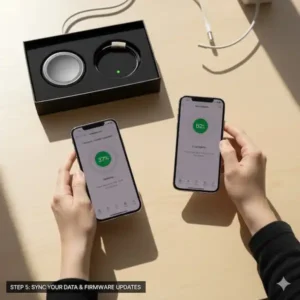
Once connected, your ring will automatically start syncing data to the app. Also, it’s pretty common for new devices to have a firmware update waiting.
- Initial Sync: Give your ring a few minutes to complete its first data sync. You might see a progress bar.
- Firmware Update: The app will usually prompt you if a firmware update is available. It’s crucial to perform these updates! They bring new features, bug fixes, and performance improvements. Make sure your ring is sufficiently charged (or even leave it on the charger) during the update process and keep it close to your phone. Don’t close the app until it’s finished!
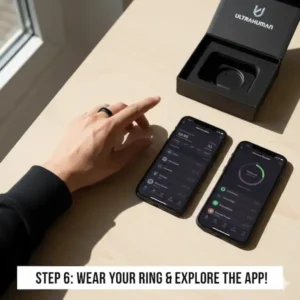
Step 6: Wear Your Ring & Explore the App!
And just like that, you’re all set!
- Wear it! Slip your Ultrahuman Ring onto your finger. For the most accurate readings, many people wear it on their index, middle, or ring finger. Ultrahuman recommends wearing it on the index finger. Experiment to see what feels most comfortable and secure for you.
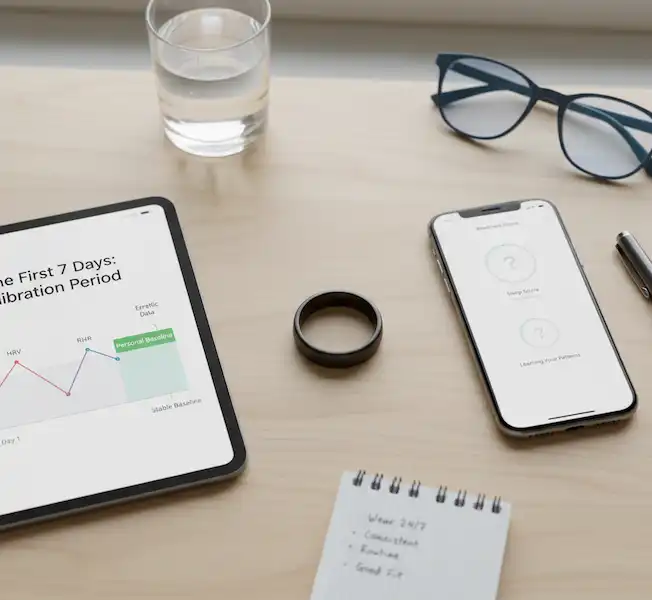
- Explore the App: Now’s the fun part! Dive into the Ultrahuman app. You’ll see dashboards for sleep, activity, recovery score, and more. It might take a day or two of wearing the ring for the app to gather enough baseline data to give you personalized insights, so be patient.
💡 Pro Tips for Perfect Data (Accuracy Matters!) – Ultrahuman Smart Ring Setup
The Ultrahuman Ring is only as good as the data it collects. A few simple habits will ensure you get the most precise readings:
| Area | Best Practice | Why It Matters |
| Ring Fit | Wear it snugly on your index, middle, or ring finger—preferably your non-dominant hand. It should feel secure and not rotate easily. | Sensors (PPG, temperature) need constant, close skin contact to accurately measure heart rate (HR), heart rate variability (HRV), and body temperature. |
| Consistency | Try to wear the ring on the same finger 24/7, only removing it to charge. | Your body’s baseline metrics (like RHR and temperature) are constantly compared to previous readings from the same location to track trends. |
| Charging | Charge it for short bursts (e.g., while you shower or eat breakfast) instead of waiting for a full drain. Aim to keep the battery between 30% and 100%. | This optimizes the battery life and health over the long run and prevents data loss (the ring only stores about 6 days of data). |
| Baseline Data | Wear the ring consistently for 7 to 14 days straight after setup. | This is the crucial “calibration” period where the ring learns your body’s unique baseline. Don’t worry if the scores seem a bit wonky at first! |
❓ Frequently Asked Questions (FAQ) – Ultrahuman Smart Ring Setup
Q: Do I need a subscription to use the Ultrahuman Ring?
A: Nope! That’s one of the best things about it. Ultrahuman has confirmed that there are no recurring subscription fees required to access your data and insights.
Q: How long does the battery last?
A: The Ultrahuman Ring AIR typically lasts between 4 to 6 days on a single full charge. Charging it from 0% to 100% takes about 90 to 120 minutes (1.5 to 2 hours).
Q: My ring isn’t connecting to the app! What do I do?
A: This happens sometimes! Try this quick fix checklist:
- Check Bluetooth: Is your phone’s Bluetooth on?
- Force Close the App: Completely close the Ultrahuman app (swipe it away) and reopen it.
- Restart Your Phone: The classic fix for all things tech.
- Try Re-pairing: Go to your phone’s Bluetooth settings, find the ring (it starts with
UH____), and select Forget Device or Unpair. Then, go back to the Ultrahuman app and follow Step 4 of the setup guide above to re-pair it.
Q: Can I wear my Ultrahuman Ring while swimming or showering?
A: Yes! The Ultrahuman Ring AIR is highly water-resistant (often up to 100 meters, check your specific model’s manual) and is designed to be worn 24/7, including in the shower, pool, or even the ocean.
Q: Can I wear it while lifting weights or rock climbing?
A: While the ring is durable (often made of tough materials like reinforced Titanium), it can still get scratched or damaged if it makes forceful contact with heavy, rough, or sharp objects. It is generally recommended to remove it for heavy weight lifting or activities like rock climbing where it might be squeezed or scratched by a barbell or surface.
🔗 Additional Helpful Links – Ultrahuman Smart Ring Setup
- Solve common problems with Ultrahuman Ring Air smart rings – Ultrahuman Ring Problems: Connect, Sync, Data, Battery
Authoritative Sources & Further Reading
Want to dive deeper into the science behind your new ring? Here are some official and trusted resources:
- Ultrahuman Official Website – Product & Specs: The go-to source for detailed technical specifications and features of the latest Ring model.
- Ultrahuman Science & Studies: A collection of published studies and scientific articles related to the accuracy of their sensors and algorithms, particularly around sleep, HRV, and heart rate.
- Official User Manual & FAQ: Access answers to common questions, troubleshooting steps, and detailed usage instructions.
Enjoy your journey into biohacking and better health! You’re now officially connected and ready to explore what your body is trying to tell you.